Dragon's Crown Pro,
on your PC, Steam Deck and phone
OpenCrown runs your own copy of Dragon's Crown Pro natively on Windows and Linux, and the Vita version on Android, with online co-op for up to four players across all of them.
Free, no game files included. You need a dump of a copy you own.
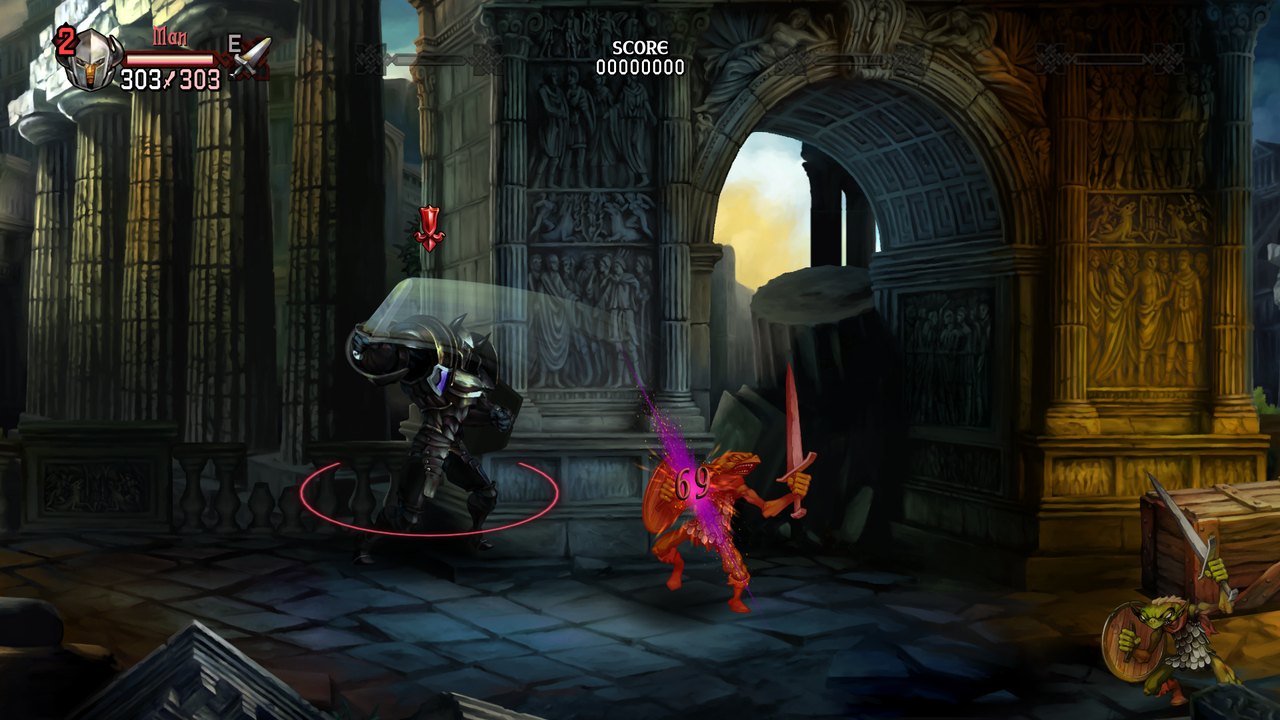
Not an emulator
The PS4 and a PC use the same kind of processor, so the game's own code runs directly on yours. OpenCrown supplies what the console would: system libraries, a new renderer, input, saves and online play.
New renderer
Direct3D 12 or Vulkan through SDL GPU, with an OpenGL fallback. 1080p, or 4K in the PS4 Pro mode.
Online co-op
Up to four players over direct peer-to-peer connections, using the game's own netcode. Room codes, friend codes and room chat.
Pads, keyboard and mouse
Xbox, DualShock and DualSense pads, up to four local players. Mouse attacks and the fairy pointer on the mouse, all rebindable.
Prompts that follow you
On-screen prompts switch between PlayStation buttons and your own key bindings, whichever you used last.
Console-compatible saves
Save files are byte for byte the same as on PS4/PS5. Bring your progress over and take it back.
Built-in updates
The launcher tells you when a new version is out, shows what changed and installs it with one click.
One launcher for everything
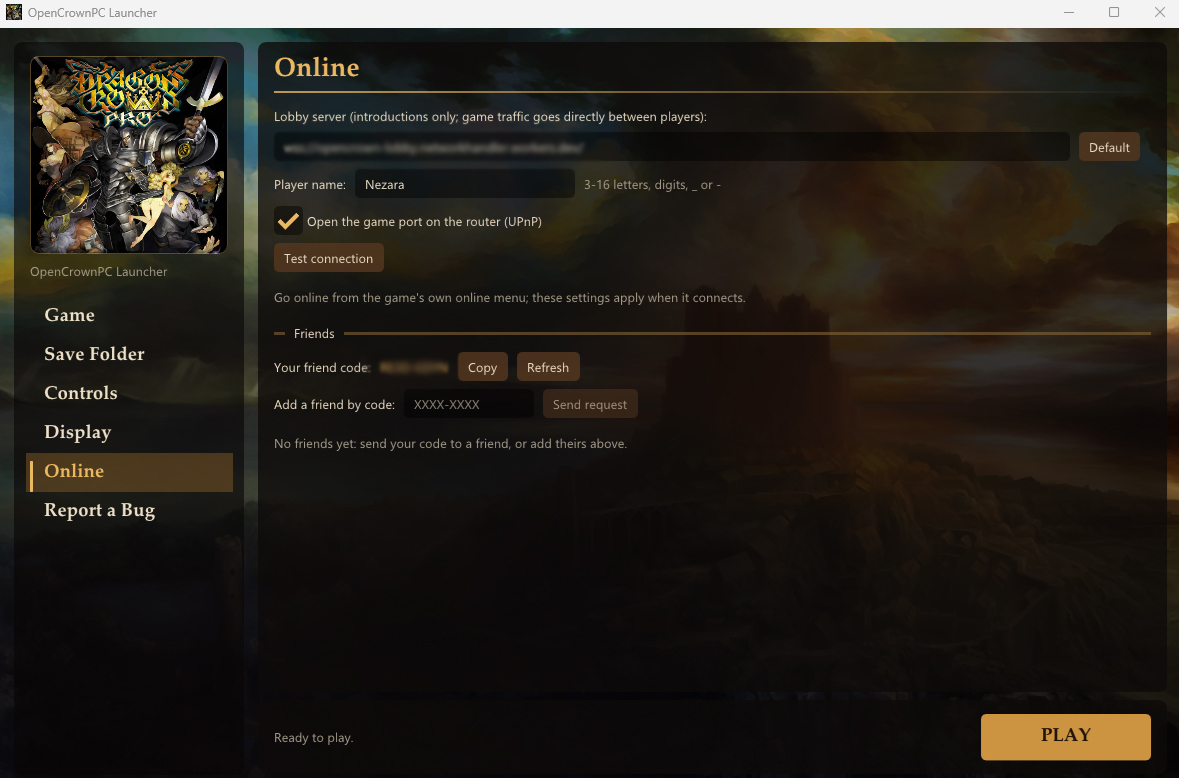
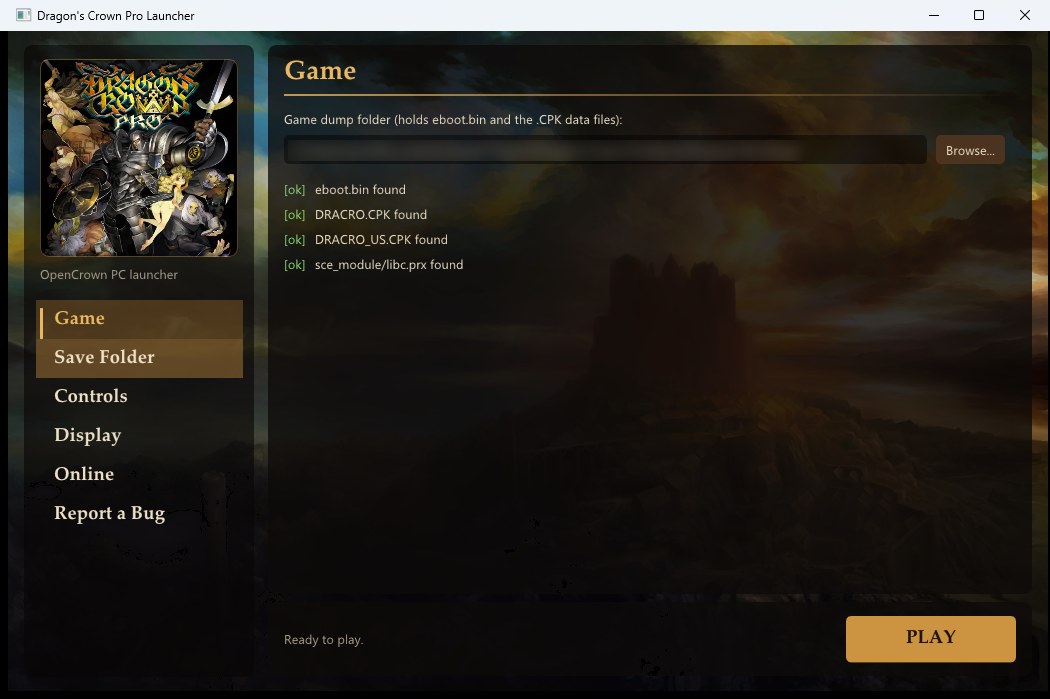
Point it at your dump and press Play. The launcher checks your files, keeps your saves, and holds your controls, display options and online settings in one place.
It even dresses itself in the artwork from your own dump, so the download itself carries no game art.
Pages: Game, Controls, Display, Online, Save Folder, Report a Bug, Update.
Pick your platform
All three play online together, and saves move between PC and Mobile with no conversion.
OpenCrown PC
- Windows 10 or 11, 64-bit
- Direct3D 12 or Vulkan, or any OpenGL 3.3 GPU
- Dragon's Crown Pro (CUSA10454) from your PS4 or PS5
One AppImage
- 64-bit Linux, glibc 2.35+ (SteamOS 3.5+, Ubuntu 22.04+, Fedora, Arch, ...)
- Plays from Game Mode, launcher included
- Right trackpad steers the fairy; tap the screen to send it
OpenCrown Mobile
- Android 9+, 64-bit ARM, Vulkan 1.1
- Dragon's Crown (PCSE00019) from your PS Vita, with the 1.09 update
- Controller recommended; on-screen controls otherwise
Online, the way the game intended
OpenCrown uses the game's own matchmaking and netcode. A small lobby server only introduces players to each other:
- Host or join a room. Find it in the room list, or join with a room code or from your friends list.
- Handshake. The lobby swaps the players' addresses so they can reach each other.
- Play peer to peer. All gameplay goes directly between players, never through the server.
Online unlocks at the same point in the story as on console. The optional story skip on new characters gets you there right away.
What's changed in the game
Very little. The game's code is patched in six places, 34 bytes in total, in memory each time you play:
Story skip
The game's own "start from the second half" offer, made to every new character instead of only after a class clears the game.
Skip reminder
Say no to the skip and the game asks once more, reminding you that online play unlocks partway through the story.
Tutorial question
Instead of starting the tutorial automatically, the game asks "Begin the tutorial?" on a save's first character.
Support the people who made it
Dragon's Crown Pro is a beautiful game from a small studio. If you enjoy it here, please make sure they get paid for it.
FAQ
Is this an emulator?
No. An emulator pretends to be the whole console. OpenCrown runs the game's own code directly and only replaces the parts it talks to: system libraries and graphics. That's why it's small and fast, and also why it only runs Dragon's Crown.
Can I download the game somewhere and use it?
No. Please buy the game and dump your own copy. OpenCrown won't link to, host or help with pirated copies, and it can't decrypt PKG files.
Can I play with people on a real PS4 or PS5?
No. OpenCrown players play with each other through the OpenCrown lobby. PlayStation Network isn't involved.
Will my PS4/PS5 save work?
Yes. Copy your SAVEDATA00 folder into the save folder. The format is identical, and it works the other way round too.
Does it run on the Steam Deck?
Yes, with the Linux AppImage. Add it to Steam as a non-Steam game and it runs from Game Mode with the controller and touch screen. Please use the AppImage rather than the Windows version through Proton.
Are there cheats or trainers?
No, and there won't be. The goal is to play the game as it was made.
Why does SmartScreen or my antivirus warn me?
The programs aren't code-signed (certificates cost money), and a program that loads another program's code into memory looks unusual to antivirus tools. In SmartScreen, choose More info, then Run anyway.